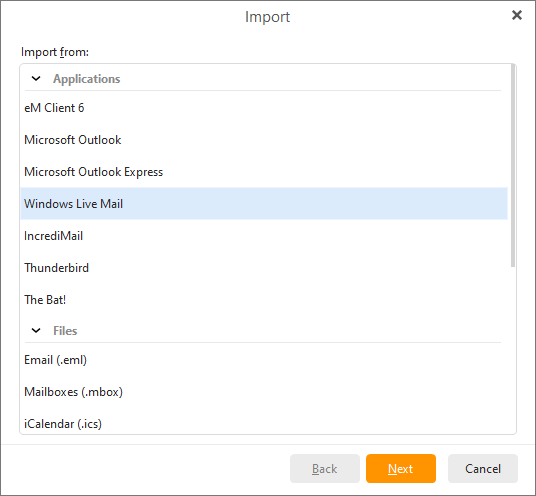
To import your messages from Windows Mail click Menu > File > Import.
Choose the option Import from Windows Mail and click Next:
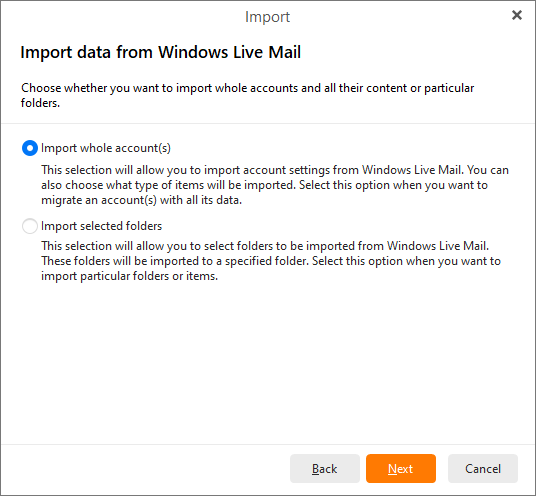
Here you can select either to import whole account(s) or selected folders from Windows Mail.
Do not forget to specify the folder into which the imported messages will be stored.
Since the process of importing whole account(s) from Windows Mail is the same as in the case of Windows Live Mail, please visit this chapter to find out how to do it.
Since the process of importing selected folders from Windows Mail is the same as in the case of Windows Live Mail, please visit this chapter to find out how to do it.